
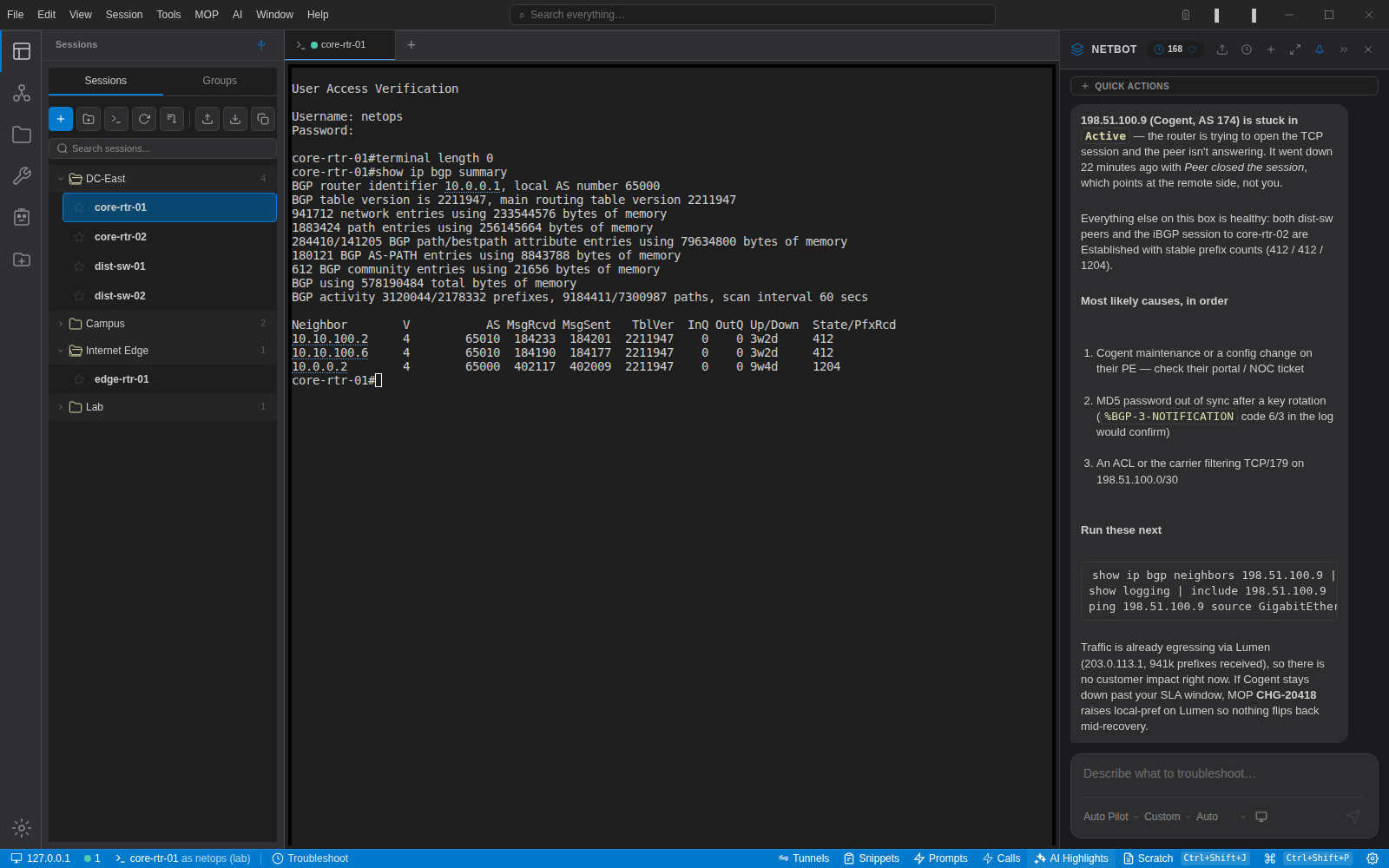
The most common question we get about the AI features is not "which model is best" but "what does it see". Fair question. If you are going to paste a router's neighbour table into a language model, you should know exactly what goes with it.
The pieces
When you ask NetBot a question with a terminal tab active, the request is assembled from these parts, behind a fixed set of safety rules:
- The system prompt for the current agent mode, Auto Pilot or Overlord. These are visible under Settings → Prompts and you can edit them.
- The AI engineer profile: the name you gave the assistant, the working style and autonomy level you chose, and whichever knowledge packs fit inside the token budget you set.
- Session context: which session you are focused on and the live state of the terminal, such as the CLI mode you are in, whether there are uncommitted changes and the commands you just ran. No credentials.
- Device memory: the role, standing instructions and notes recorded for that device, plus the team's incident entries for it, most recent first.
- Recent terminal output, up to a configurable number of lines, taken from the scrollback of the active tab.
- Your question, plus the selected text if you used the context menu.
Every one of those parts passes through the sanitiser before it leaves the machine.
What the sanitiser removes
The sanitiser is a set of patterns for things that should never reach a model: enable secret and type 7 passwords, SNMP communities and SNMPv3 keys, TACACS and RADIUS keys, Juniper $9$ secrets, private-key and certificate blocks, and the general shapes of API tokens, passwords and shared secrets. Matches are replaced with [REDACTED] or a labelled variant such as [PRIVATE-KEY-REDACTED]. Those patterns are always on. You can add your own, switch on optional redaction of IP addresses, MAC addresses and hostnames, and test a sample against the whole set under Settings → AI → AI Data Security.
Redaction is applied to the system prompt, the transcript, device memory, and the tool results that come back when the assistant runs a command. It is applied to your own question too, so a secret you paste into the chat by accident does not leave the machine.
What is fixed on purpose
Most prompts are yours to change, including the agent operating guide that is appended to every autonomous agent. A few pieces are not. The safety rules the agent puts in front of every request are fixed: never guess device state, no destructive commands without human approval, never fabricate CLI output, always identify as an AI. So are the rules that stop the assistant from exiting or committing a configuration session you left half-finished. And in the desktop app, commands the assistant runs on a device pass a read-only filter until you turn on AI config mode. We would rather be told these are too conservative than have them silently edited on a machine that has write access to a core.
Where it goes
Straight to the provider you configured. NetStacks does not run a proxy or a relay; the agent on your machine makes the HTTPS request with your key, to Anthropic, OpenAI, OpenRouter, your Ollama, LiteLLM or the OpenAI-compatible URL you gave it. For private gateways, per-provider base URL and TLS settings live under Settings → AI. If you are connected to a NetStacks Controller, the request goes to your Controller instead, which applies your organisation's sanitiser and calls the provider your administrator configured.
How to check for yourself
Open Settings → Prompts and open any prompt to read it. Then run a request with a local model through Ollama or a stub server and read the request body. We do exactly this in our own tests, with a stub that logs every request it receives, and it is how we caught an onboarding prompt leaking into ordinary helper calls earlier this year.