
Audit Logs
EnterpriseReview security events in the NetStacks Controller audit log: sign-ins, user and role changes, secret reveals, session actions, certificate minting and backups.
Overview
The audit log records security-relevant events on the Controller: who signed in, who changed users and roles, who revealed a secret and why, who terminated or shared a session, which SSH certificates were minted, and when backups were taken or restored.
Open it from the sidebar Activity → Audit Log, from Administration → Audit Logs, or from the header Help (?) menu. The page is at /audit.
Browse and Search
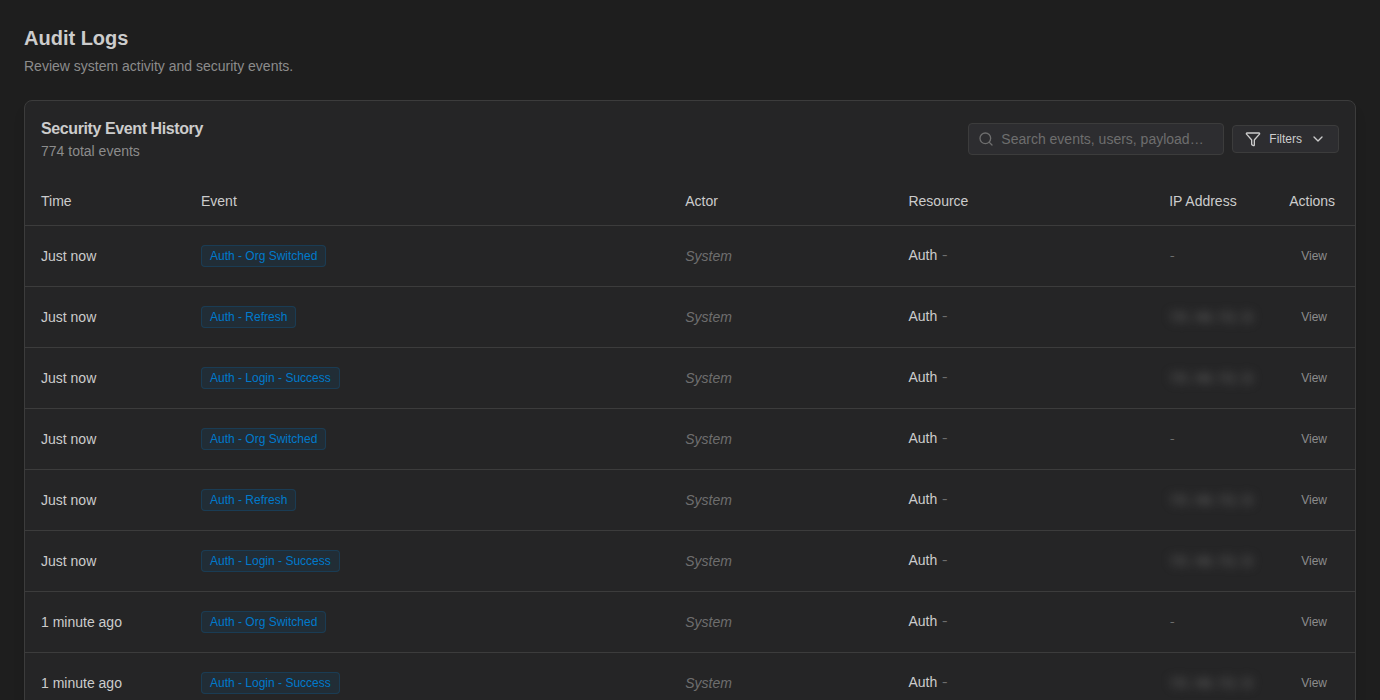
The Security Event History table lists the newest events first, with Time, Event, Actor, Resource, IP Address and a View action. The actor shows System for events with no associated user. Use Previous / Next to page through results.
To narrow the list:
- Type in Search events, users, payload… to match event names, users or event data.
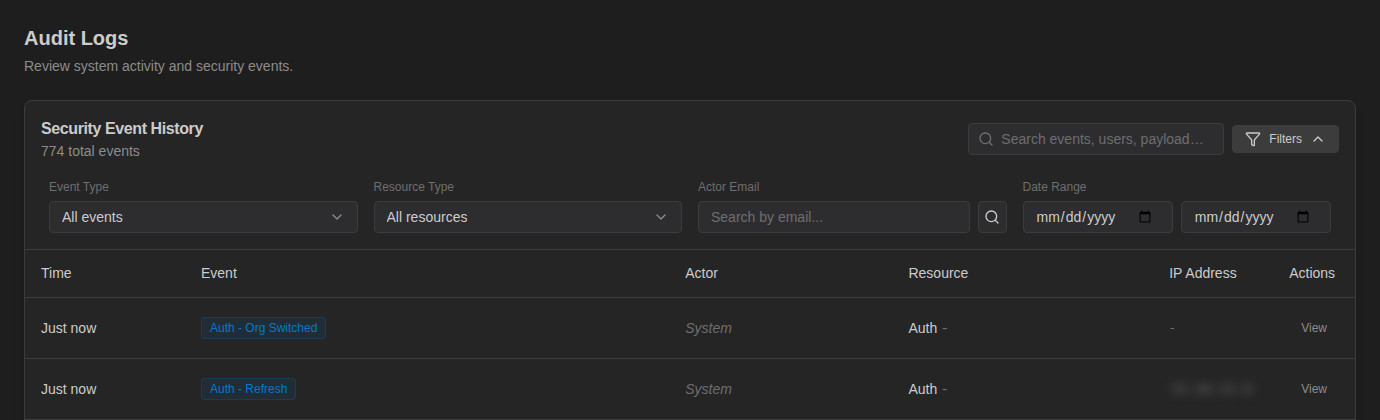
- Click Filters to filter by Event Type, Resource Type, Actor Email and Date Range. Clear all filters resets them.
Event Details
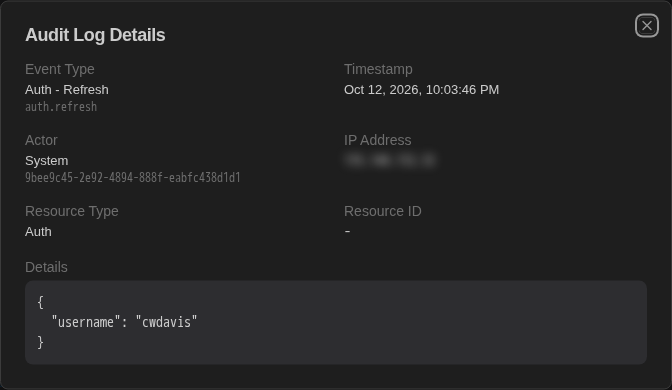
Click View on a row to open Audit Log Details: event type, timestamp, actor and actor email, IP address, resource type and ID, and the full event data as JSON (for example the reason given when a secret was revealed).
Recorded Events
| Area | Events |
|---|---|
| Sign-in | auth.login.success, auth.login.failed, auth.logout, auth.refresh, auth.password_change, auth.session_revoked, auth.org_switched |
| Users and roles | user.created, user.updated, user.deleted, user.role_assigned, user.role_removed, user.roles_updated, role.created, role.updated, role.deleted |
| Organizations | organization.created, organization.updated, organization.deleted |
| Credentials | profile.secret_created, profile.secret_updated, profile.secret_deleted, profile.secret_revealed, profile.secret_rotated, profile.secret_seeded, profile.secret_dropped |
| Certificates | ssh_ca.rotated, ssh_cert.minted, x509_cert.minted |
| Sessions | session.terminated, session.takeover, session.share.created, session.share.revoked |
| SSH tunnels | tunnel.created, tunnel.updated, tunnel.deleted, tunnel.started, tunnel.stopped, tunnel.reconnected, tunnel.start_all, tunnel.stop_all |
| Commands run on devices | device.exec_command, device.exec_command.failed, ai.ssh_execute, ai.ssh_execute.failed |
| AI providers | llm_provider.created, llm_provider.updated, llm_provider.deleted |
| System | system.backup, system.restore |
Audit Log vs. Activity Monitor
Operational work — MOP executions, config deployments, config snapshots, scheduled task runs, SSH sessions, AI agent runs and scripts — is tracked in the Activity Monitor rather than the audit log. Use the audit log to answer "who changed access or touched secrets?" and the Activity Monitor to answer "what ran, when, and did it succeed?".
Retention and Export
Audit events are stored in the Controller database and kept until you remove them; they are included in database backups. The admin console doesn't offer export or SIEM/syslog forwarding.
The dashboard's Audit Events card shows the running total.