
Device Context (Team Knowledge)
Record troubleshooting knowledge against a device in NetStacks: issue, root cause, resolution, helpful commands and ticket reference, shown to the team and given to the AI.
Overview
Device Context is a list of short knowledge entries about a device, written by engineers for engineers: what went wrong, why, how it was fixed, and which commands helped. It is the “tribal knowledge” that usually lives in someone's head or an old ticket.
In enterprise mode, context is stored on the Controller and shared with your whole organization. In the standalone app it is stored with the saved session on your computer.
Add Context
- Open the editor:
- Standalone: session settings → Context tab (available once the session is saved).
- Enterprise: Devices sidebar → right-click a device → Edit Device → Context tab.
- Click + Add Context.
- Fill in Issue / Topic (required), Root Cause, Resolution, Helpful Commands (one per line) and Ticket Reference (e.g. JIRA-1234).
- Save the entry.
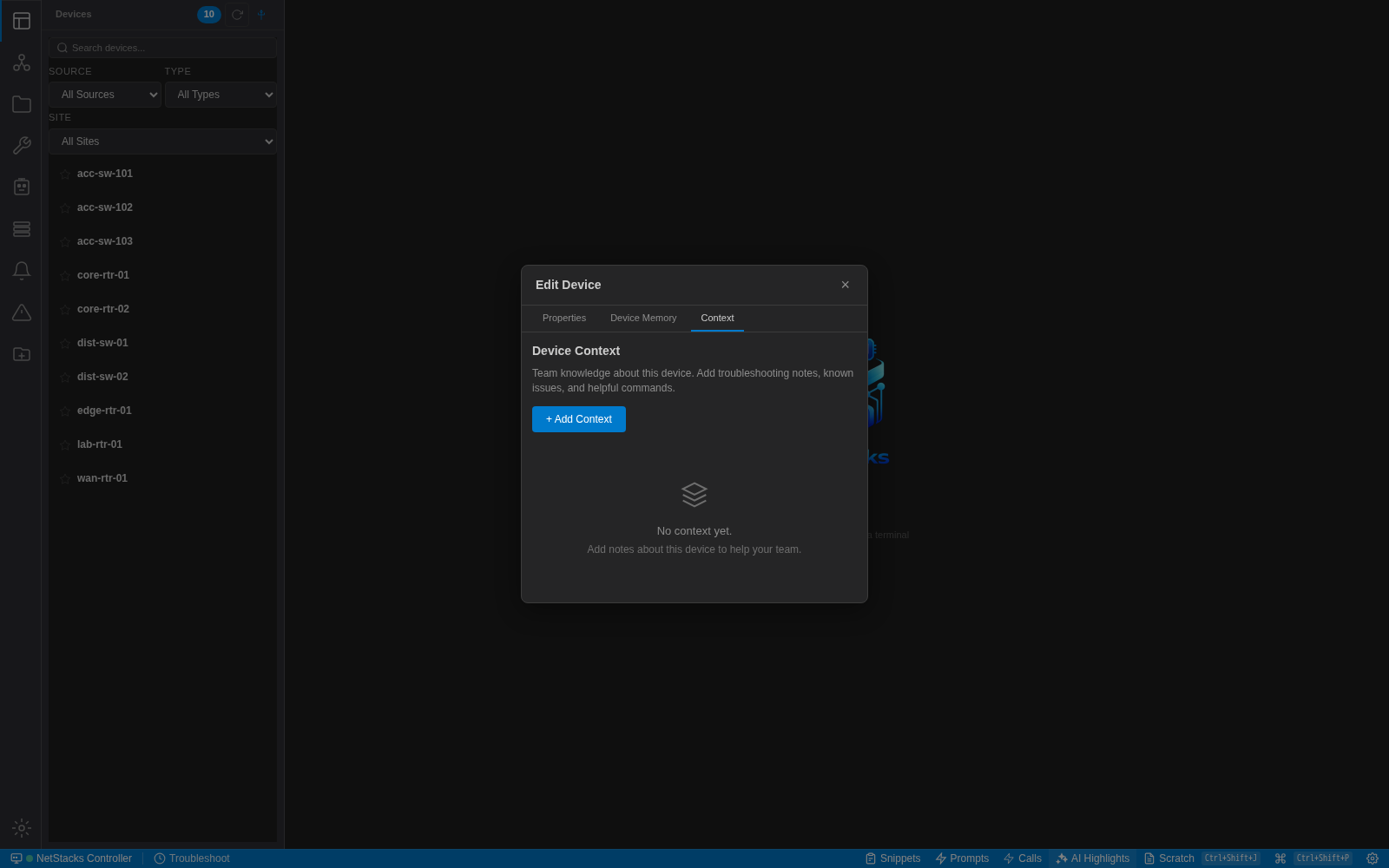
The Context tab in the enterprise Edit Device dialog.
Team Knowledge on Connect
In the standalone app, when you connect to a session that has context, a Team Knowledge Available card appears with the latest entry, an Ask AI about this button and, if there are several entries, View all (N).
Context and the AI
Device context is added to the AI's instructions, together with Device Memory, whenever you ask the AI about an active session. So if you ask why BGP is flapping, the AI can point out that the same symptom was traced to a specific cause last month. This works in both modes.
Writing Useful Entries
- Make the Issue / Topic searchable: name the symptom (“BGP to ISP-B flaps every ~4h”), not “BGP issue”.
- Put the commands that proved the cause in Helpful Commands so the next engineer can run them straight away.
- Add the ticket reference so the full history is one click away.
- Use Device Memory for standing facts and rules, and Context for incidents and fixes.